


Description
Play SWF Videos from YouTube & Dailymotion
Overview
YouGooDai Player is a desktop multimedia application designed to play SWF-formatted videos sourced from major online platforms such as YouTube, Dailymotion, and Google Video. Its primary function is to provide a dedicated environment for viewing SWF content that may not be accessible through standard web browsers or media players. The software is particularly useful for users who frequently encounter SWF-based video clips, especially from older or niche online sources. It enables seamless playback of these files without requiring additional plugins or browser-based workarounds.
Target users include individuals who collect or enjoy unusual, humorous, or archived online video content, as well as those who need to preserve or repurpose SWF files for personal use. The tool also serves as a lightweight solution for accessing video content in a format that is no longer widely supported by modern browsers. While the developer did not provide additional background information, the software’s focus on SWF playback suggests a niche audience interested in legacy media formats.
Real-world usage scenarios include organizing favorite clips for later viewing, converting SWF files into more universally compatible formats, and sharing curated playlists with others. The player supports basic playback controls and flexible display options, making it suitable for both casual viewing and content management tasks.
Key Features & Capabilities
- SWF File Playback: Supports direct playback of SWF movies from YouTube, Dailymotion, and Google Video, enabling access to content that may not be playable through standard web browsers.
- Favorite Clips Organization: Allows users to save and categorize preferred video clips into personalized collections for quick and easy access.
- Video Conversion: Offers the ability to convert SWF files into FLV format, enhancing compatibility with other media players and platforms.
- Flexible Viewing Options: Includes standard playback controls (play, stop, pause, fullscreen) and supports multiple aspect ratios, such as 16:9 and 4:3, for optimal screen adaptation.
- Share Playlists Online: Enables users to publish and share their curated video playlists over the web, promoting collaborative viewing and content discovery.
These features collectively support a streamlined workflow for users who want to view, manage, and distribute SWF-based video content. For example, a user might download a humorous SWF clip from an old YouTube video, save it as a favorite, convert it to FLV for offline playback, and then share the playlist with friends. The software’s functionality is tailored to a specific niche, making it a practical tool for legacy media handling.
User Interface, Workflow & Performance
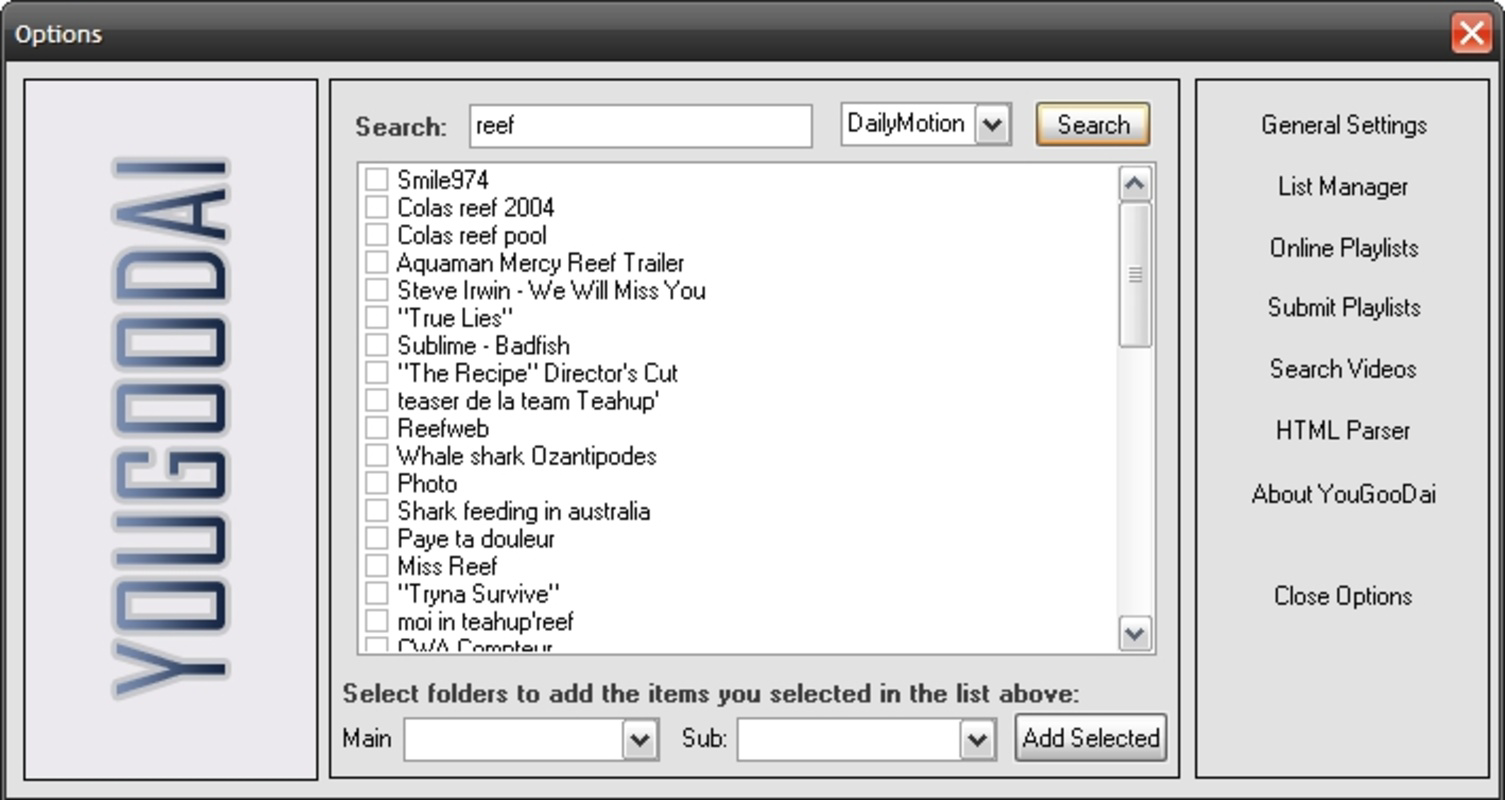
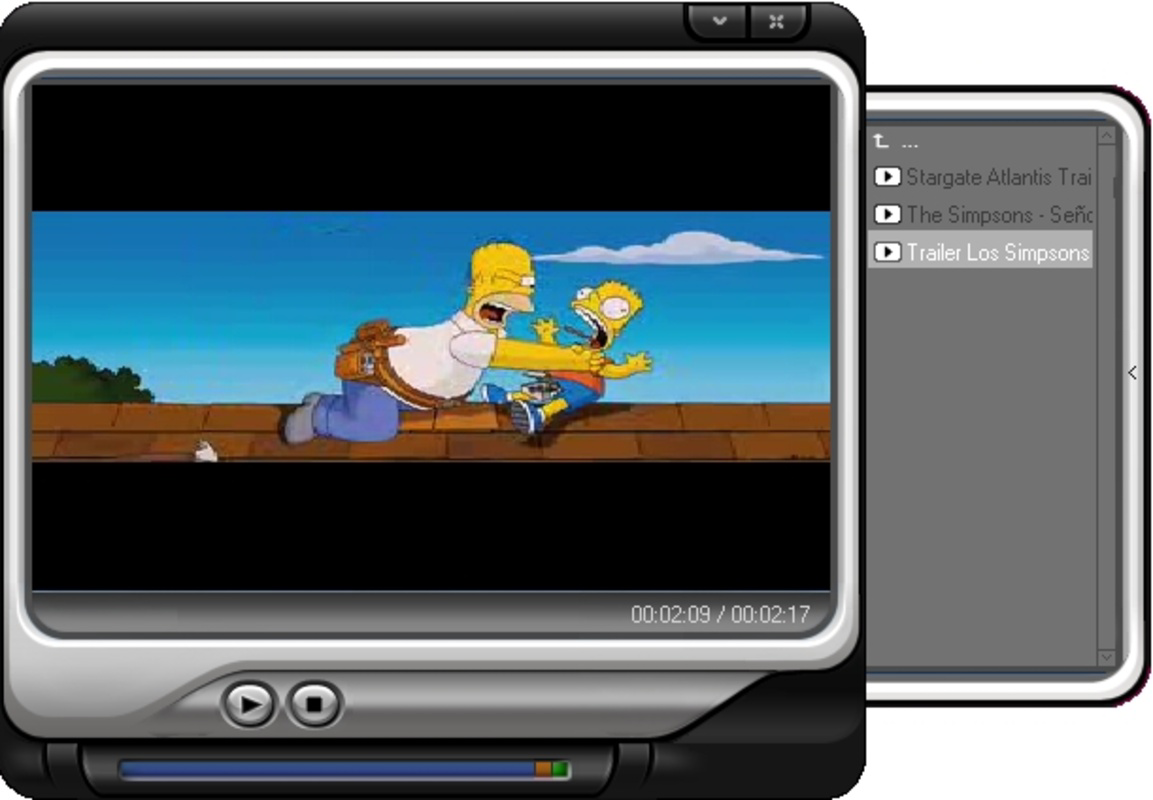
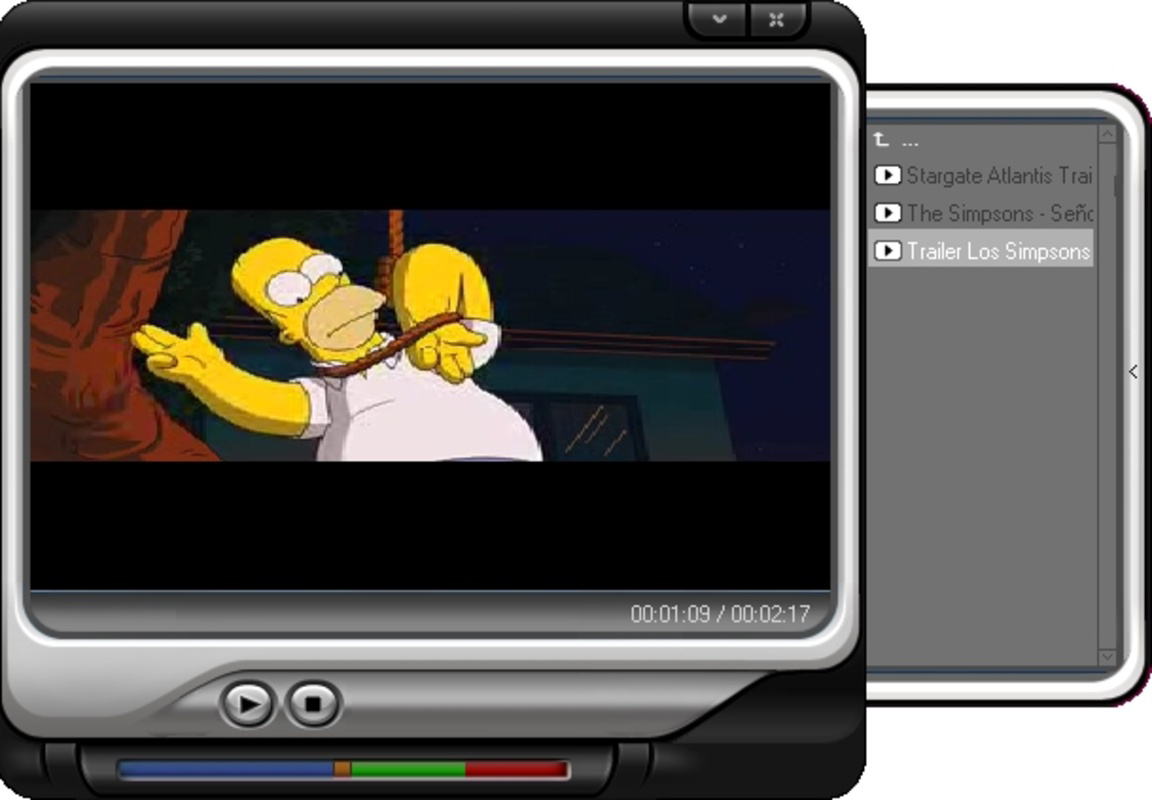
The user interface of YouGooDai Player appears to be straightforward, focusing on core playback and management functions. Navigation is likely centered around a main window with playback controls, a playlist area, and options for organizing favorites. The layout supports intuitive workflows for loading, playing, and managing SWF content.
Workflow efficiency is enhanced by features such as direct file loading, playlist saving, and conversion tools. Users can perform multiple actions—play, save, convert, and share—within a single application environment, reducing the need for switching between tools. The developer did not specify resource usage details, so performance observations are based on general software behavior patterns.
Stability and CPU/RAM behavior are not documented, but the software’s small size (4.8 MB) suggests it is lightweight and likely to run efficiently on systems with modest specifications. The player’s ability to handle SWF playback without external dependencies indicates a focused and optimized design. However, exact performance details were not specified.
Compatibility & System Requirements
YouGooDai Player is compatible with both Windows and Mac operating systems, as confirmed by the developer. The software version is 1.0, and the installation size is 4.8 MB, indicating a minimal footprint. This makes it suitable for older or low-resource machines.
Exact system requirements were not listed. The developer did not provide information about minimum CPU, RAM, or graphics specifications. Compatibility with modern macOS versions or recent Windows releases is not confirmed. Platform compatibility information is limited, and users should exercise caution when installing on updated systems.
Pros and Cons
Pros
- Supports direct playback of SWF videos from YouTube and Dailymotion.
- Allows users to organize favorite clips into personal collections.
- Includes FLV conversion functionality for broader media compatibility.
- Lightweight design with a small installation size of 4.8 MB.
- Enables online sharing of curated video playlists.
Cons
- Compatibility with modern operating systems is uncertain.
- No official documentation or support channels provided.
- Performance and system resource usage were not specified.
- Outdated release date (2008) raises concerns about long-term viability.
- Limited information on update frequency or future development.
FAQ Section
Is YouGooDai Player compatible with Windows 10 and macOS?
While the software is listed as compatible with Windows and Mac, the developer did not specify support for recent versions of these operating systems. Users should test compatibility on their specific system.
Is the software safe to download and use?
YouGooDai Player is available as a free download. The developer did not provide information about security scanning or digital signatures. Users should ensure they download from trusted sources.
Can I update the software to the latest version?
The current version is 1.0, released in 2008. No updates or newer versions have been publicly announced. Users should check official channels for any future releases.
What license type does the software use?
The software is distributed as free to use. The developer did not specify the exact license type or terms of use.
Does the player work offline?
Yes, once SWF files are downloaded, the player can function without an internet connection. However, online content playback may require an active connection.
Final Thoughts
YouGooDai Player remains a niche tool for users who need to access and manage SWF-based video content from legacy online sources. Its ability to play SWF files from platforms like YouTube and Dailymotion, combined with playlist organization and FLV conversion, offers practical value for collectors and archivists of unusual online media. While the software’s age raises concerns about compatibility and support, its lightweight nature and focused feature set make it a viable option for specific use cases.
For users working with older SWF files or seeking a simple, no-frills player for archived content, YouGooDai Player delivers a functional experience. It is particularly beneficial for those who value offline access and format conversion without relying on complex tools.
Download YouGooDai Player now
Guides & Tutorials for YouGooDai
How to install YouGooDai
- Click the Preview / Download button above.
- Once redirected, accept the terms and click Install.
- Wait for the YouGooDai download to finish on your device.
How to use YouGooDai
This software is primarily used for its core features described above. Open the app after installation to explore its capabilities.
User Reviews for YouGooDai 0
No reviews found


